Antialiasing
Antialiasing is a technique that removes jagged edges (aliasing) during 3D rendering to produce smooth outlines and surfaces. RedGPU provides temporal accumulation-based TAA, hardware multisampling-based MSAA, and post-processing filter-based FXAA, all centrally controlled via redGPUContext.antialiasingManager (AntialiasingManager).
1. Default Behavior & Activation Rules
RedGPU's antialiasing system operates exclusively. Only one technique can be active at a time, and enabling a new technique automatically disables the previously active one.
Auto-Selection at Initialization
Upon engine initialization, the optimal technique is automatically enabled based on the display pixel ratio (window.devicePixelRatio):
- High-DPI Display (
devicePixelRatio > 1.0):TAAis enabled by default (useTAA = true). - Standard Display (
devicePixelRatio <= 1.0):MSAAis enabled by default (useMSAA = true).
const { antialiasingManager } = redGPUContext;

// Switch antialiasing mode (automatically disables other modes)
antialiasingManager.useTAA = true;
2. Comparison of Techniques
Choose the appropriate technique based on your target rendering quality and performance budget.
| Technique | Method | Quality & Characteristics | Cost | Comparison Image |
|---|---|---|---|---|
| NONE | Disabled | Raw rendering without antialiasing (visible jagged edges) | None | 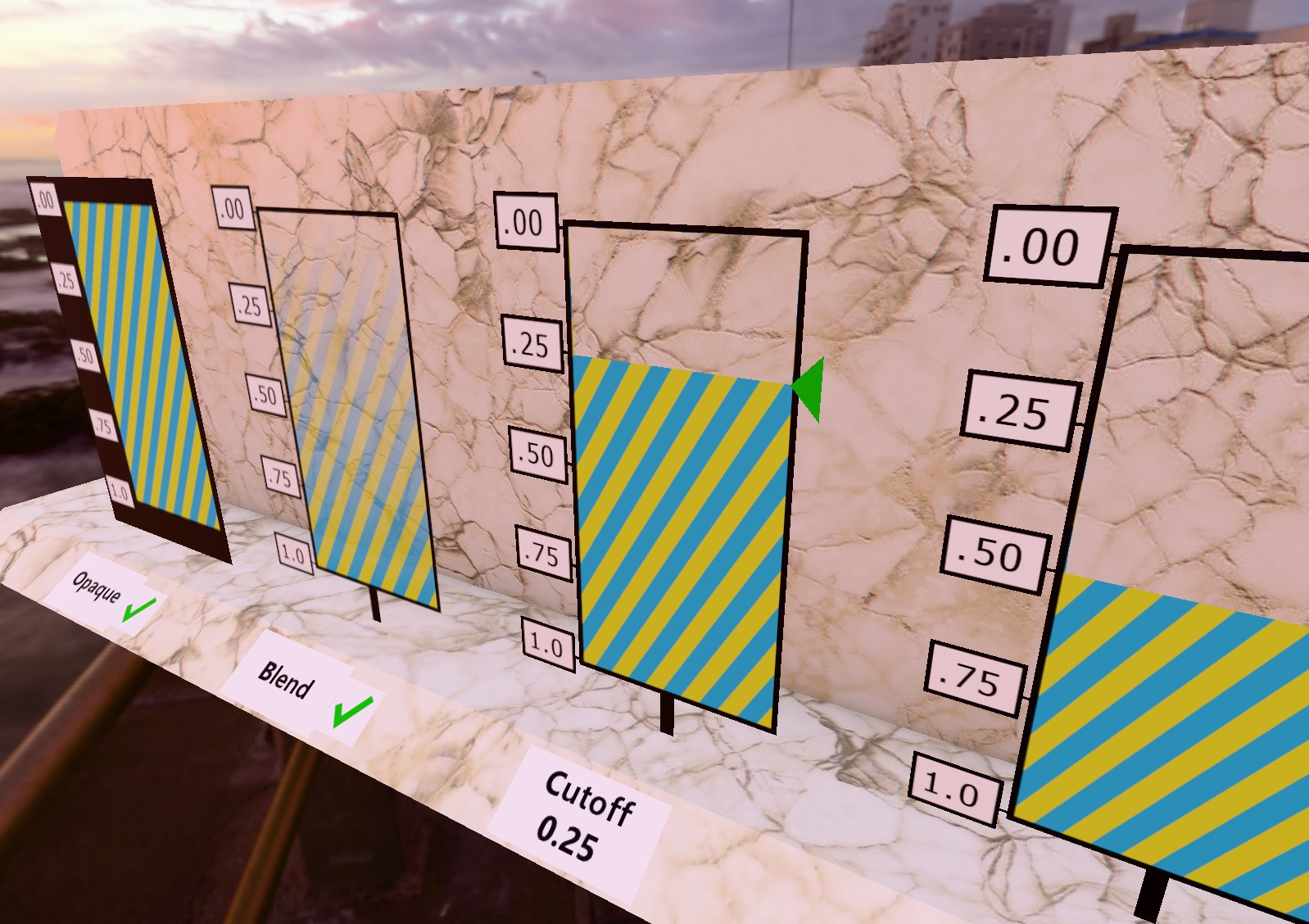 |
| TAA | Temporal Accumulation | Resolves both geometry edges and internal shader/texture aliasing | Medium | 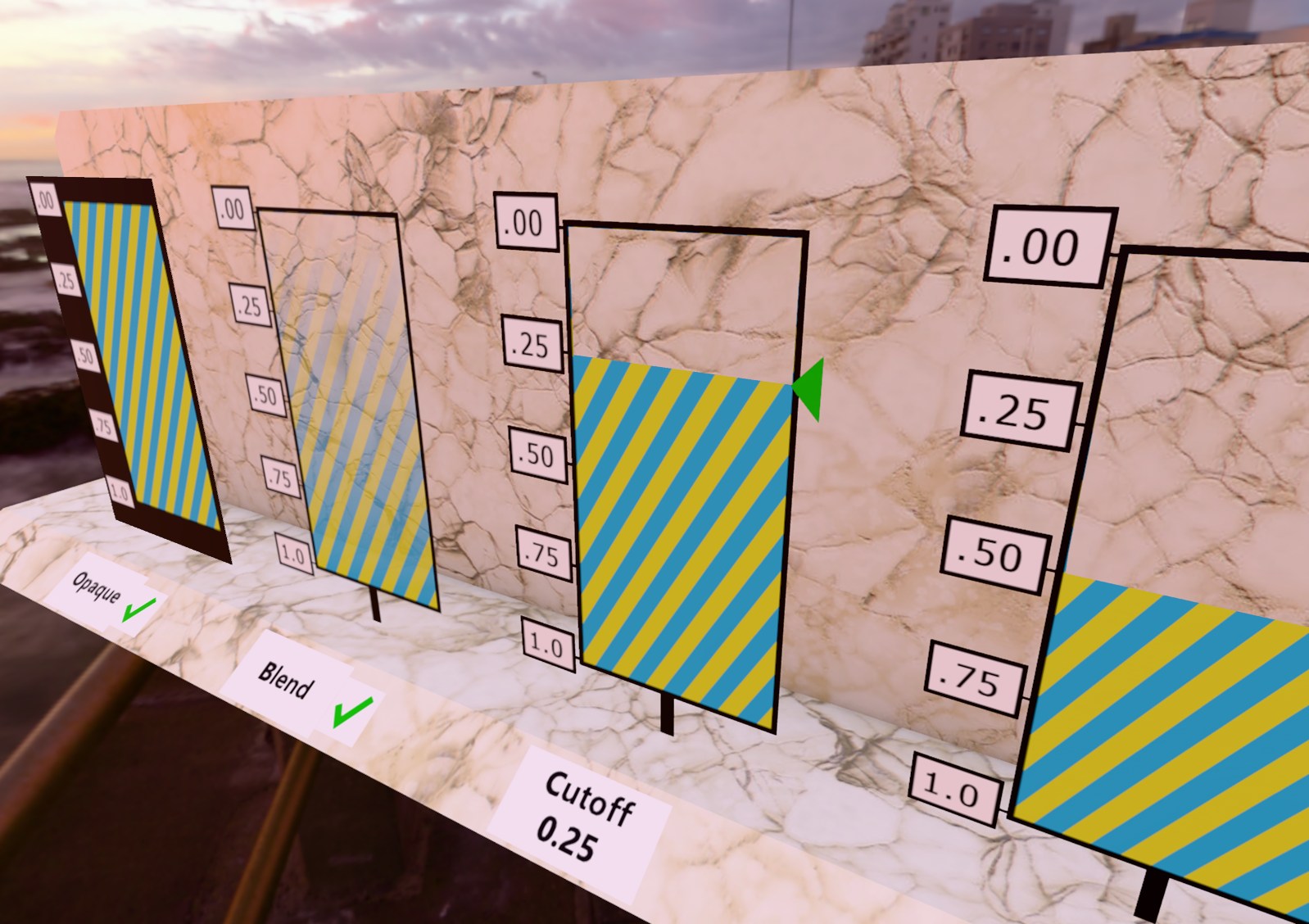 |
| MSAA | Hardware Sampling | Smooths only geometry outlines (does not affect internal textures or alpha cutoff edges) | High | 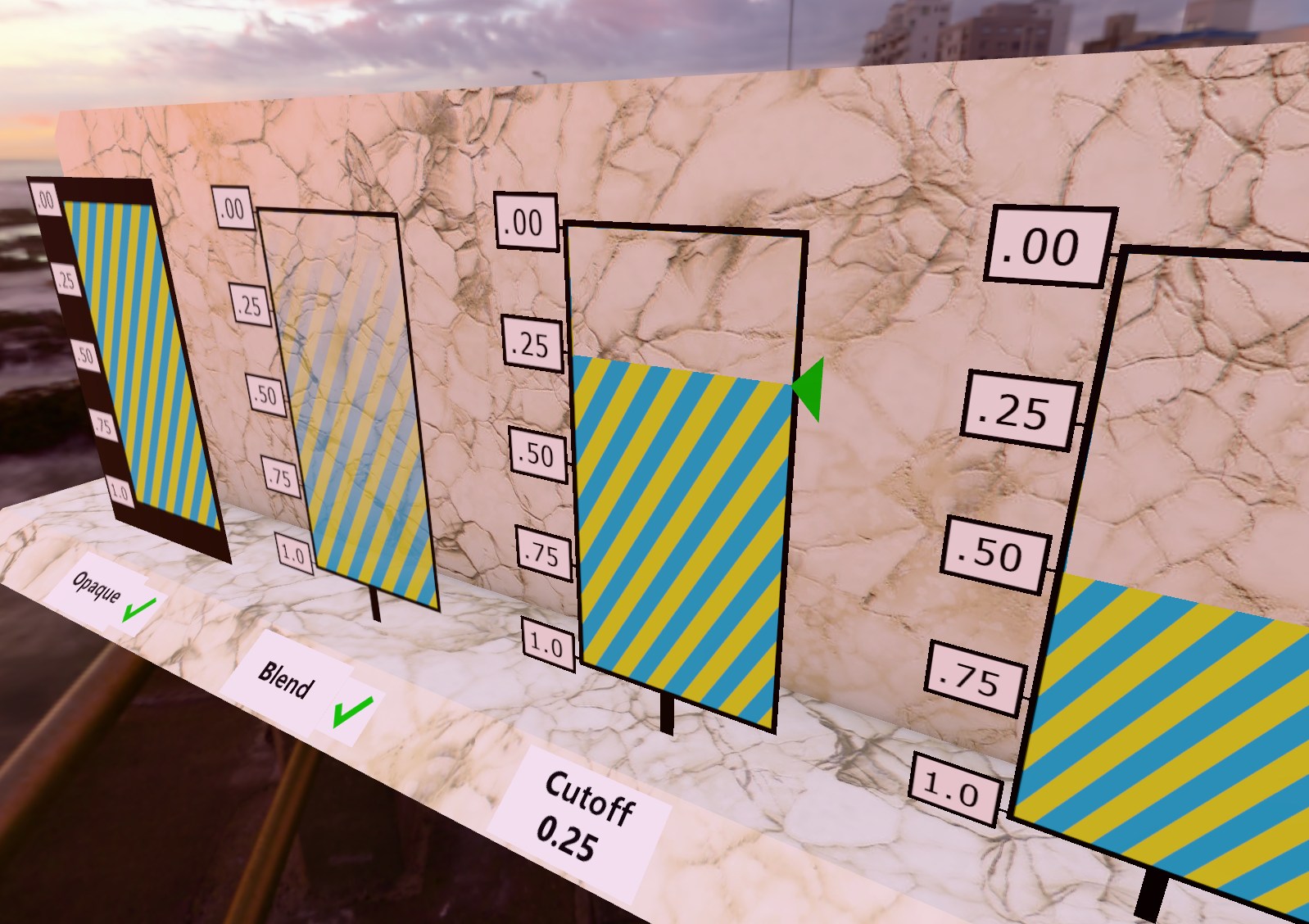 |
| FXAA | Post-processing | Fast screen-space edge smoothing (accompanied by slight image softness) | Very Low | 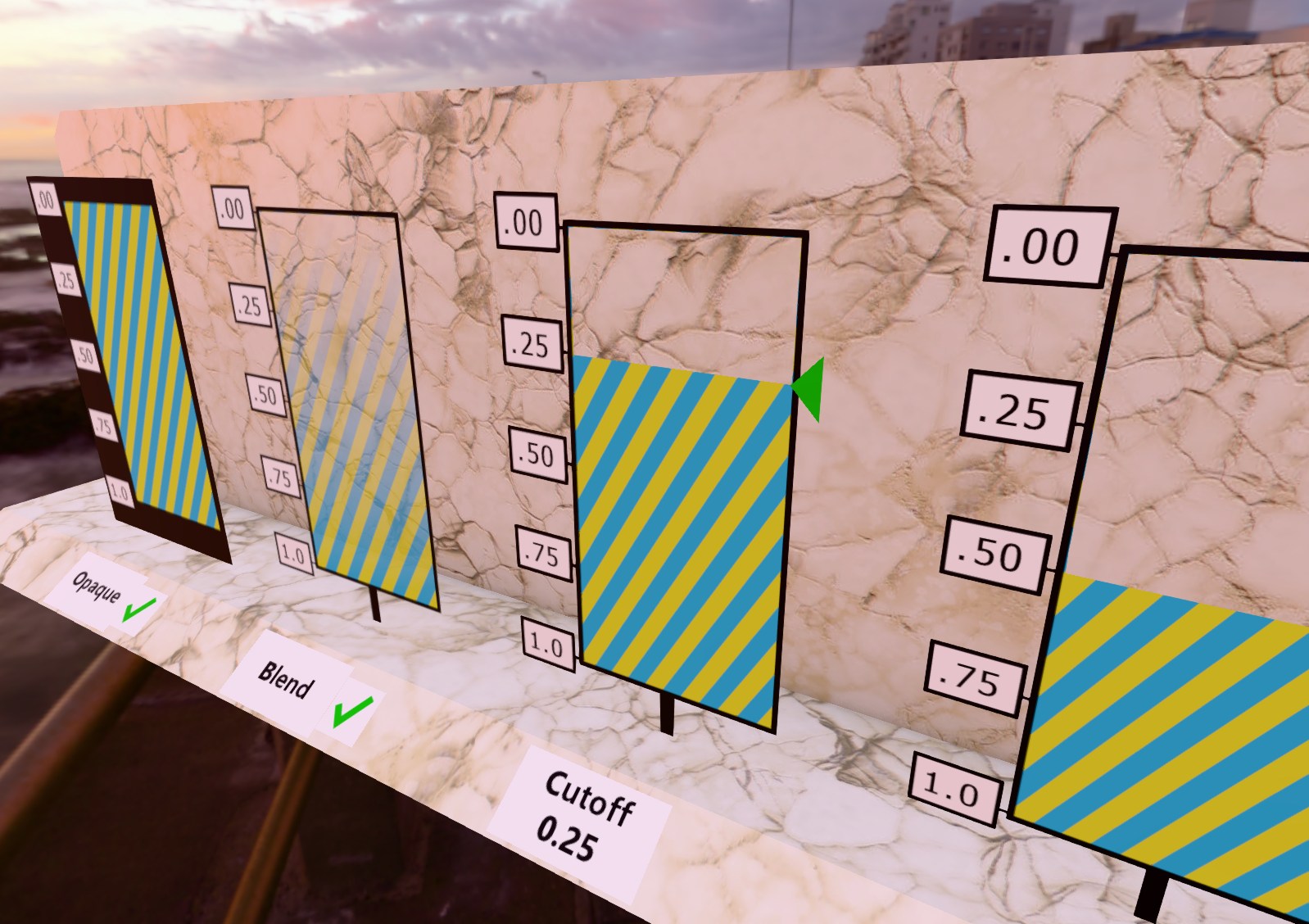 |
TIP
Live Testing in Examples: You can switch and compare TAA, MSAA, FXAA, and NONE modes in real time on any running scene using the ANTIALIASING dropdown menu located in the UI of every RedGPU example.
